Settings & team
Workspace settings live under Settings. A few are worth setting up early so the rest of Thorgate fills itself in.
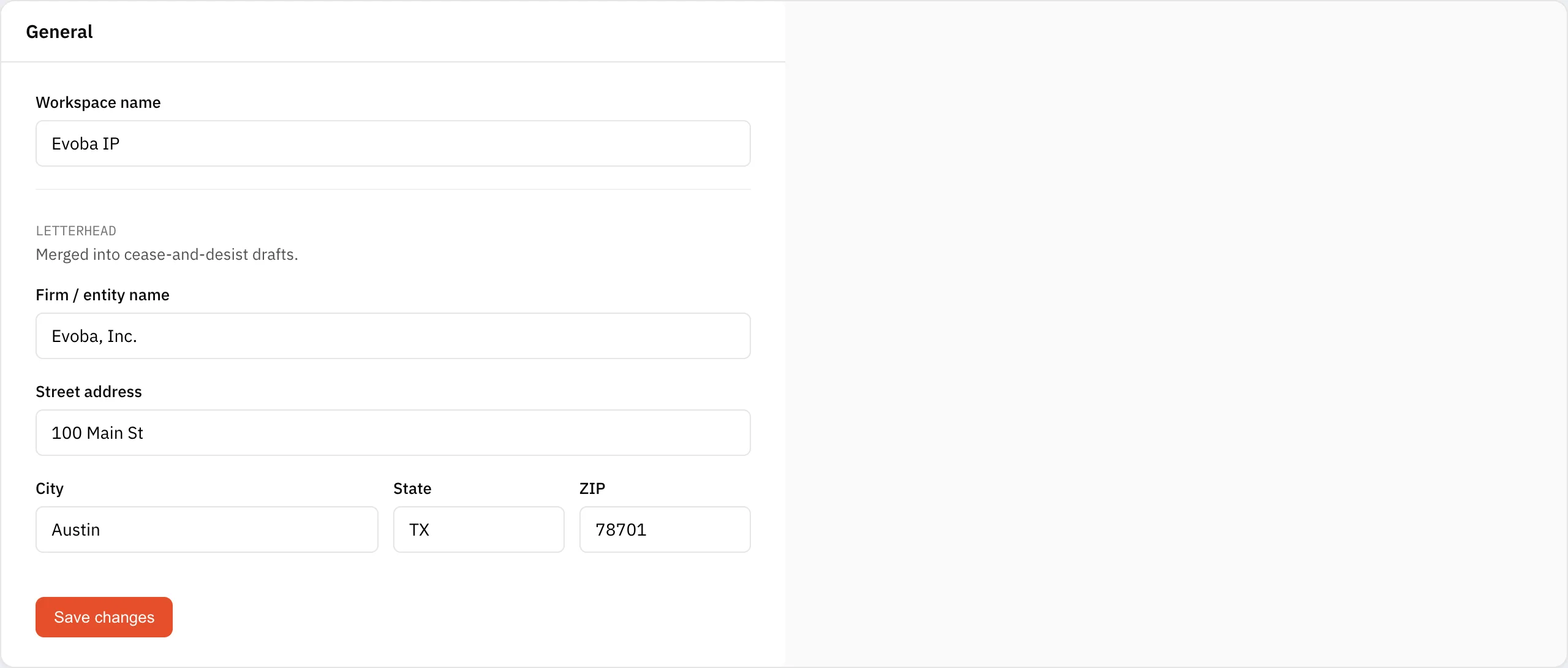
Letterhead
Add your firm name and address once, and every cease-and-desist draft fills in the sender block automatically. Leave it blank and the letter shows bracketed placeholders instead.
Digest & timezone
Choose how often you get the summary email — daily, weekly, or off — and set your timezone so digests arrive in your local morning. The digest reports what was watched and found, even in a quiet week, so it doubles as a record of diligence.
Deadline calendar
Copy your private ICS feed URL to subscribe in your own calendar. See Deadlines & calendar for details.
Team
On the Professional and Firm plans, invite colleagues to the same workspace with role-based access, so associates and paralegals see the same marks, findings, and deadlines.
