Overview & your dashboard
Thorgate watches the US trademark register for you: you add the marks you own, and every night it scores new USPTO filings against them and tracks their status and deadlines. The dashboard is where the day's most important items surface first.
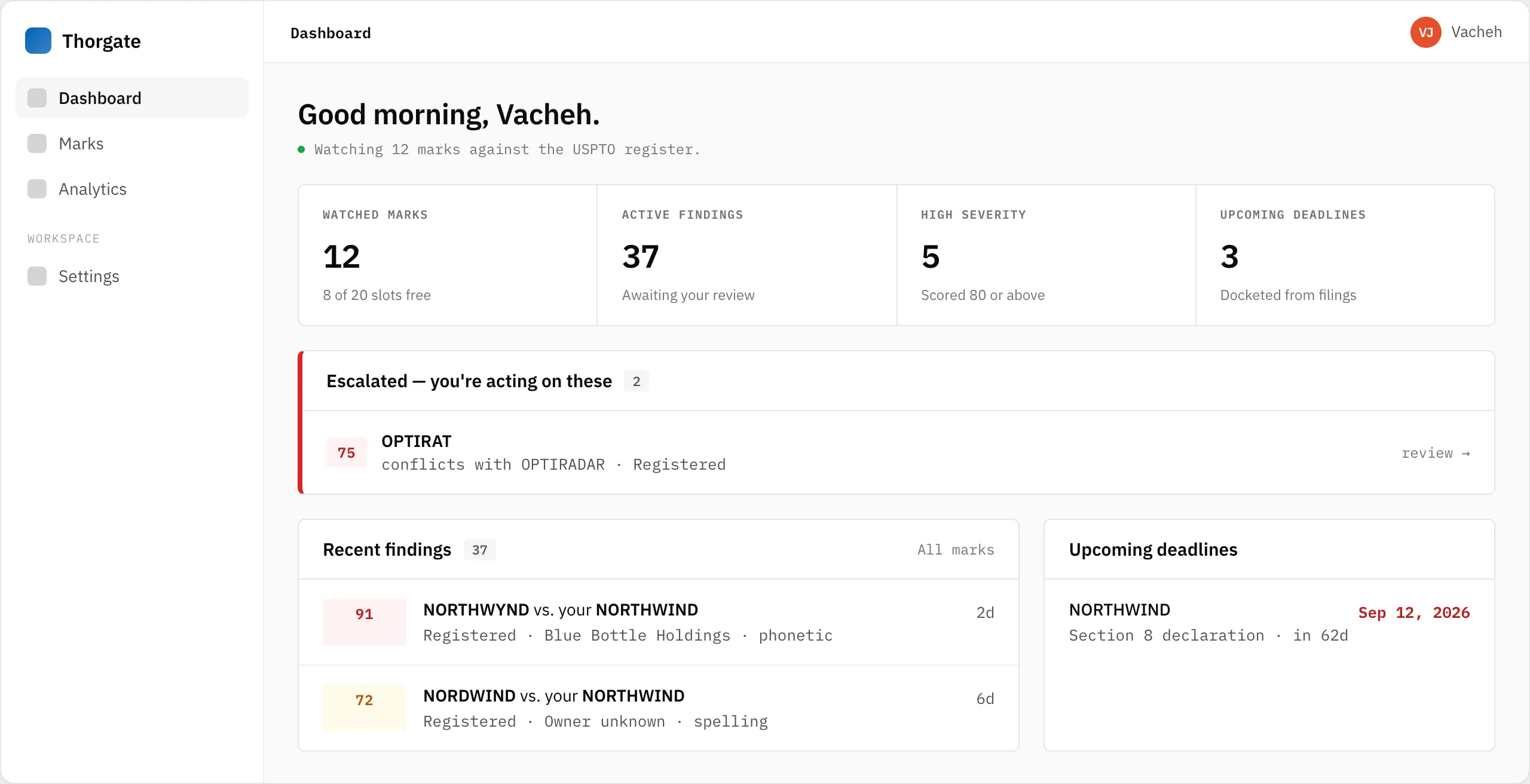
The dashboard has four parts:
- KPIs — watched marks, active findings, high-severity conflicts, and upcoming deadlines at a glance.
- Escalated — the conflicts you've decided are real and are acting on. This queue sits above everything else because it's your open work.
- Recent findings — the newest conflicts across all your marks, newest and highest-severity first.
- Upcoming deadlines — statutory windows computed from your marks, with the nearest first.
Where to start
If you haven't added anything yet, head to Adding & importing marks. The moment you add a mark, Thorgate sweeps the entire live register and shows every similar mark already on file — so you get a full picture on day one, not after the first new filing.
Good to know: Thorgate is a monitoring and docketing service, not a law firm, and doesn't give legal advice. It tells you what happened and what's due; what to do about it is between you and your attorney.